Finnish on iPhone · Everyday messages
Dictate Finnish messages on iPhone: from first draft to send
Choose Finnish in Aivo, dictate the message itself and review who is doing what, where and when. Check the word endings and small words that carry your meaning before sending.
Start with one ordinary task: arranging materials for a community activity. The examples below show how to review a Finnish message for meaning as well as spelling. You can follow the steps in Notes before moving the checked text into a compatible message or email field.
1. Decide what the reader needs to do
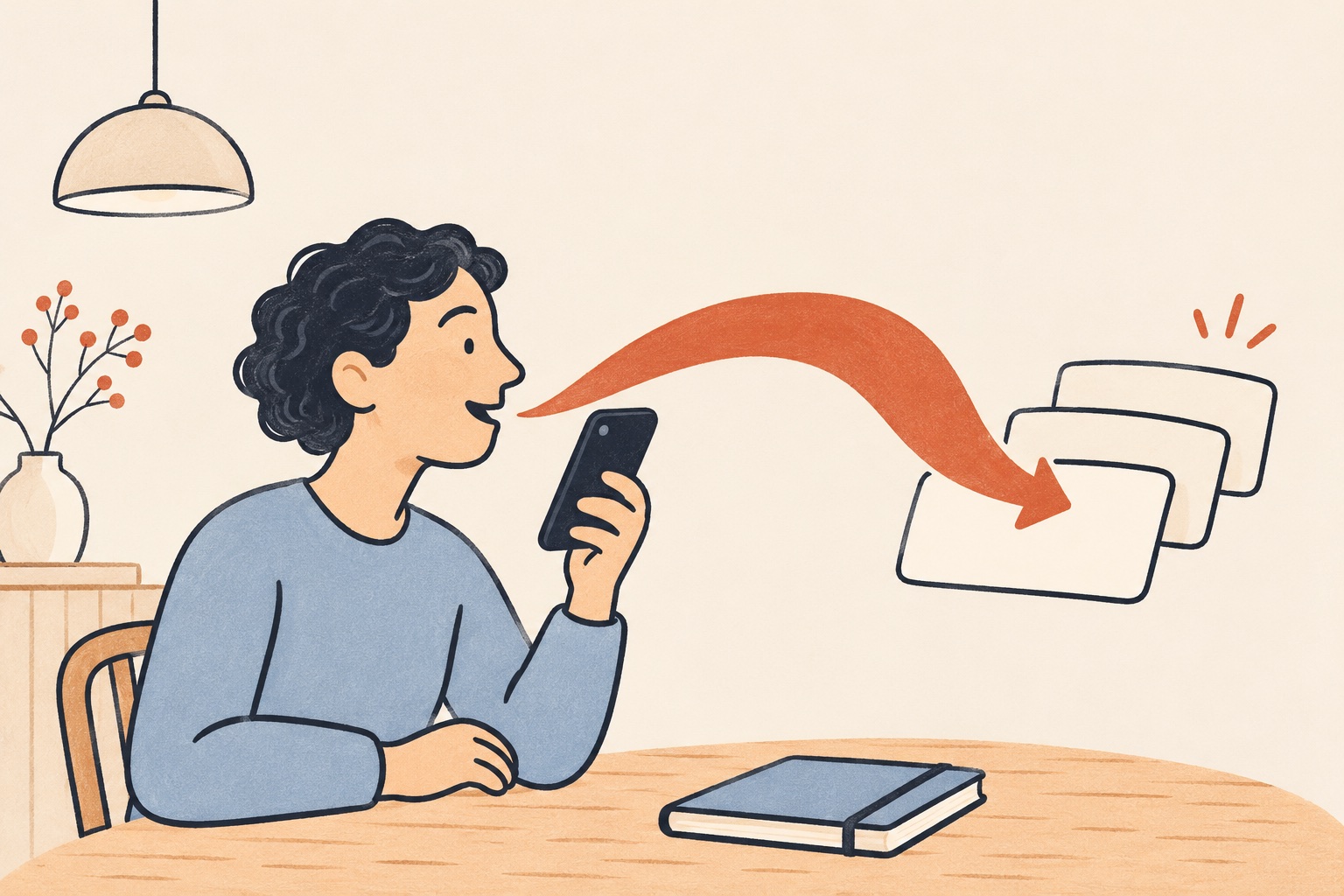
Before recording, answer three questions for yourself: what am I telling the reader, what am I asking them to do, and when do I need a reply? Keep these as planning notes. For ordinary dictation, say the greeting and message you want in the text, rather than a preface such as “write a message saying…”.
Choose the wording that fits your recipient. If you want a familiar everyday tone, say the message that way. Review the returned draft against your intention instead of expecting an automatic change of tone or a polished rewrite.
2. Set up Finnish dictation in Aivo
- Install or update Aivo. Follow the keyboard setup in the app. Allow microphone access and keyboard Full Access for network dictation, and review the separate choice about AI processing.
- Choose Finnish as the dictation language. Activate dictation in Aivo, open a new note in Notes and switch to the Aivo keyboard using the keyboard-switch control. The dictation language is separate from the iPhone’s interface language and the language of this guide.
- Try one short Finnish sentence. Stop dictation, check where the text appeared and read it before recording the rest of the message.
Aivo needs internet access and a compatible text field. Protected fields and apps that restrict third-party keyboards may show Apple’s keyboard instead. If Aivo works in Notes but not in the destination field, review the draft in Notes and copy it across where pasting is supported.
You can practise with basic dictation without Pro, within the allowance displayed in Aivo. Follow the allowance and recording controls displayed in your app. Use the iPhone setup guide if you need more help.
3. Try a Finnish message with a clear request
The following is fictional practice text. It is an intended message written for this guide, not an actual Aivo transcript, a recording result or an accuracy demonstration.
Practice message: collect posters and bring supplies
Hei Aino! Haen julisteet kirjastosta torstaina klo 16.30. Voitko tuoda kaksi teippirullaa kerhotilaan torstaina? Älä osta uusia saksia, sillä niitä on jo kaapissa. Vastaa keskiviikkoon mennessä, jos et pääse mukaan.
Say the message, stop dictation and read it. If you need more room to think, work one sentence at a time. Check the cursor before adding the next sentence so it goes where you intend.
For this message, check the meaning in four passes:
| Question | What the intended message says |
|---|---|
| Who does what? | Haen: I collect the posters. Voitko tuoda: I ask Aino to bring the tape. |
| From where and to where? | Kirjastosta: from the library. Kerhotilaan: to the club room. Check the complete words, including their endings. |
| When and how many? | Thursday at 16.30 for the collection; Thursday for the tape; two rolls. If Aino cannot attend, she should reply by Wednesday. Add exact dates if the days could be ambiguous. |
| What must not change? | Älä osta: do not buy new scissors. Jos et pääse: reply if you cannot attend. Do not accidentally turn that condition into the opposite request. |
4. Check a reply as carefully as the first message
Practice reply: explain a later arrival
Hei! Tuon teippirullat torstaina, mutta pääsen kerhotilaan vasta klo 17.00. Sopiiko, että jätän ne aulaan?
Here the speaker says they will bring the tape on Thursday, but can reach the club room only at 17.00. The final sentence asks whether leaving it in the lobby is acceptable. It does not say the recipient has agreed. Check vasta, the time and the question mark.
These are two separate practice messages. If you try both, put the reply in a separate note or draft so you do not accidentally send both sides of the conversation as one message.
5. Review word forms, names and compound words
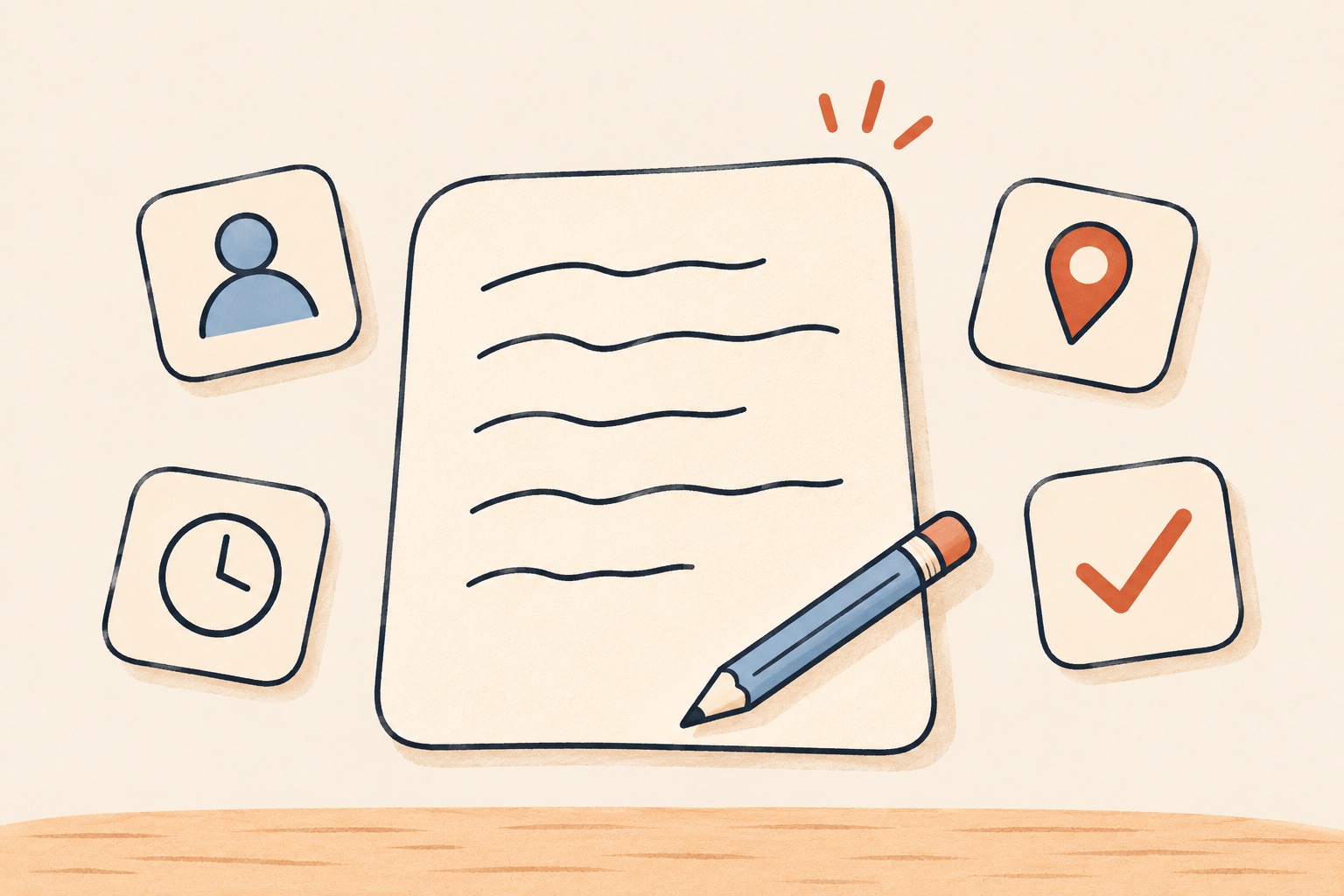
Read complete phrases rather than looking only for familiar word stems. In the first message, the ending of kirjastosta helps express the collection point. A draft with a different ending may describe a different journey even when the place name looks familiar.
- Names and letters: check Aino and any names or words with ä and ö that you add. Use the spelling the person or place actually uses.
- Compound words: check teippirullaa and kerhotilaan in context. Consult Kielitoimiston sanakirja for spelling and word forms, and Kielitoimiston ohjepankki for writing guidance.
- Time and conditions: read the day, clock time, deadline and words such as jos, et, älä and vasta together with the sentence.
- Recipient and next action: check the destination, subject line if needed and whether the reader can tell what to do.
A dictionary is a reference, not a complete list of every possible name or compound. For a recurring name or term, add the intended spelling to Aivo’s personal dictionary and try a short sentence again. Keep reviewing the returned text, including the word form used in that sentence.
Correct the part that needs attention
If one word is wrong, select it and type the intended correction. Apple explains selecting and editing text on iPhone. Then reread the whole sentence, including the words on either side of the edit.
If a sentence became tangled while you were speaking, replace that sentence or dictate a fresh short version in a separate draft. Check which version you keep. Repeating it at the end can leave a duplicate instead of replacing the original.
| What you notice | What to try |
|---|---|
| The word looks familiar but the meaning is wrong | Check the whole phrase: person, action, direction, ending and negation. Correct the intended wording manually. |
| A name or term is repeatedly wrong | Verify the spelling, correct the draft and test a personal dictionary entry in another short sentence. |
| No text or the wrong language | Check Finnish in Aivo, the active keyboard, internet connection and the separate microphone, Full Access and AI-processing choices. Reopen Aivo and follow its activation guidance. |
| It works in Notes but not in the destination | Check whether the field allows third-party keyboards. Paste the reviewed draft where supported. |
| You reach a limit displayed in the app | Review any returned text and follow the app’s current allowance and recording controls. Continue only when the app permits it. |
Try one message of your own
Get Aivo for iPhone, choose Finnish and try the first fictional message in Notes. Check who collects what, the two locations, the time and the reply condition. Then dictate a short, non-sensitive message from your own day.
Aivo uses cloud transcription: recorded audio and selected languages pass through Aivo’s server to OpenAI, with relevant vocabulary hints when used. Writing the draft in Notes does not make transcription local. Read the current privacy policy before deciding what to dictate.
For general Finnish setup, see Finnish dictation on iPhone. If your text is an instruction to an AI tool, continue with the AI-prompt guide.
Sources and checked date
Checked 15 November 2026. Product instructions use the public iPhone 2.2.14 listing, released 11 November 2026. Examples and review checklists are original editorial guidance. No fresh native iPhone dictation session, accuracy comparison or timing test was run for this guide.
- Aivo App Store description and release notes — Finnish support, setup, compatible fields, personal dictionary, allowance and cloud processing.
- Apple: add or change keyboards and select and edit text — keyboard switching and manual corrections.
- Kielitoimiston sanakirja and Kielitoimiston ohjepankki — Finnish language references.
- Aivo privacy policy — current processing and separate permission choices.